Residential communities
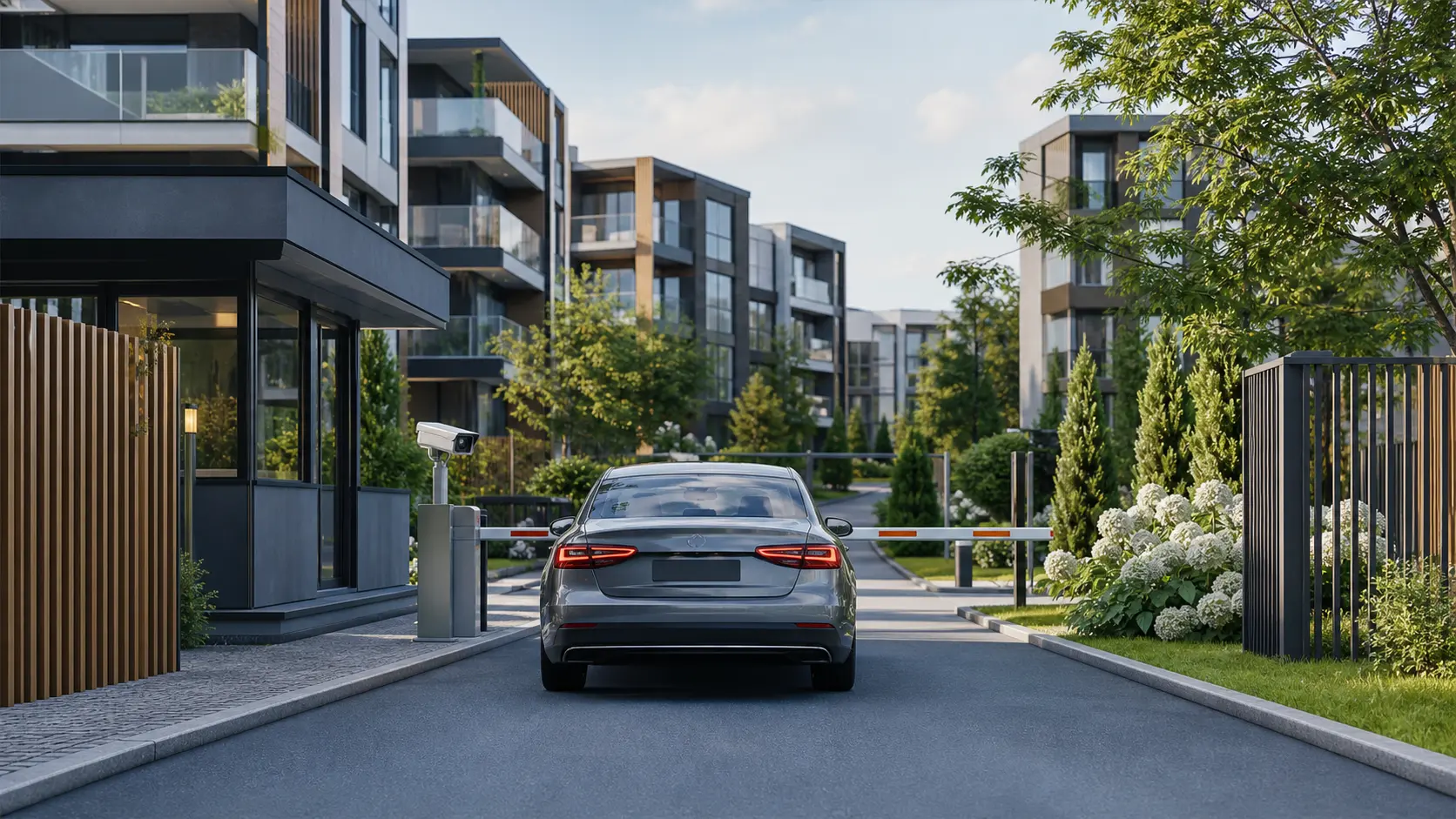
Automatic entry for residents, guests, couriers, and service providers.
How the system works
Where it is used
Automatic entry for residents, guests, couriers, and service providers.
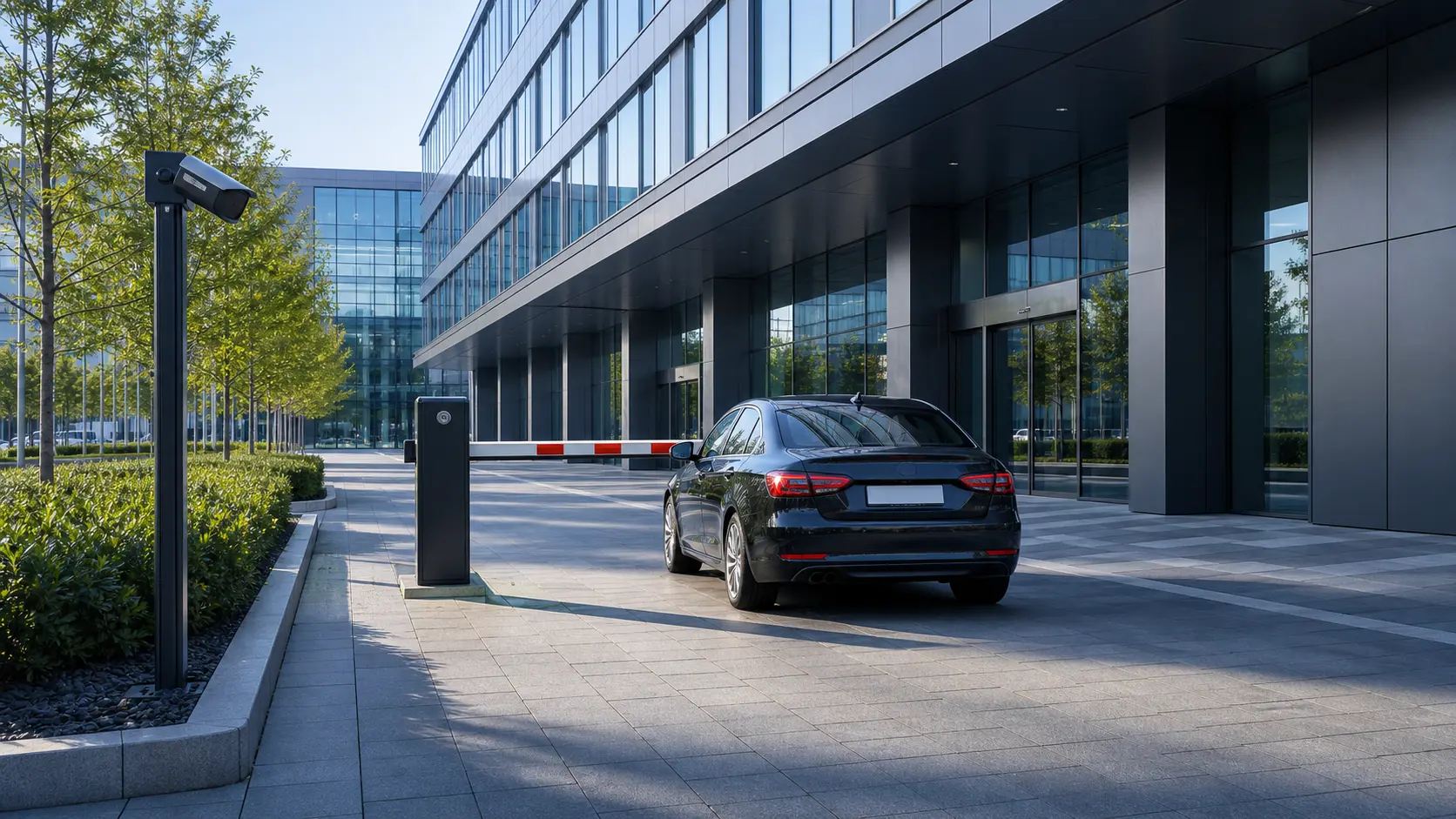
Access for employees, tenants, visitors, and company vehicles.
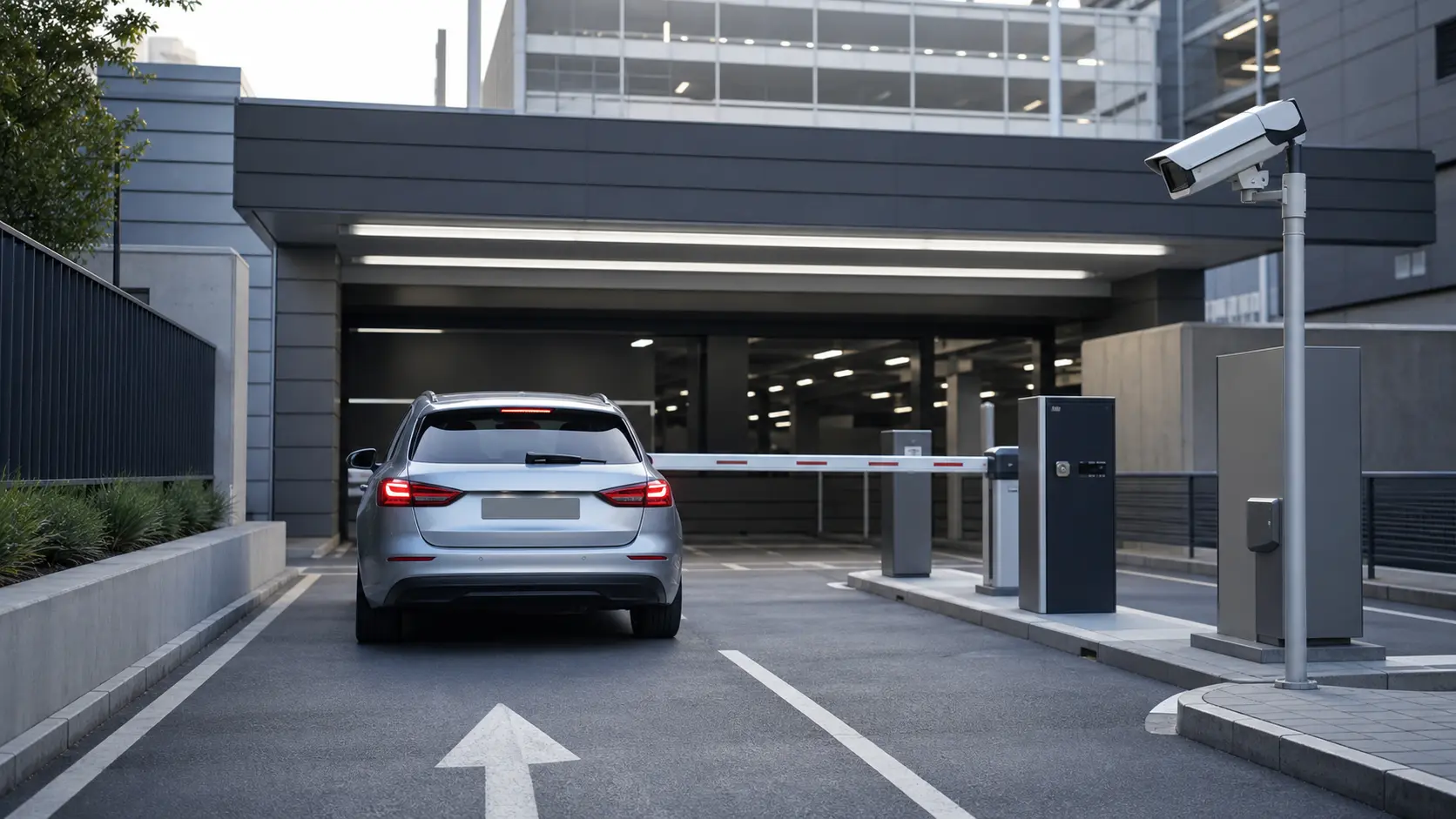
Manage regular customers, subscriptions, and temporary permissions.
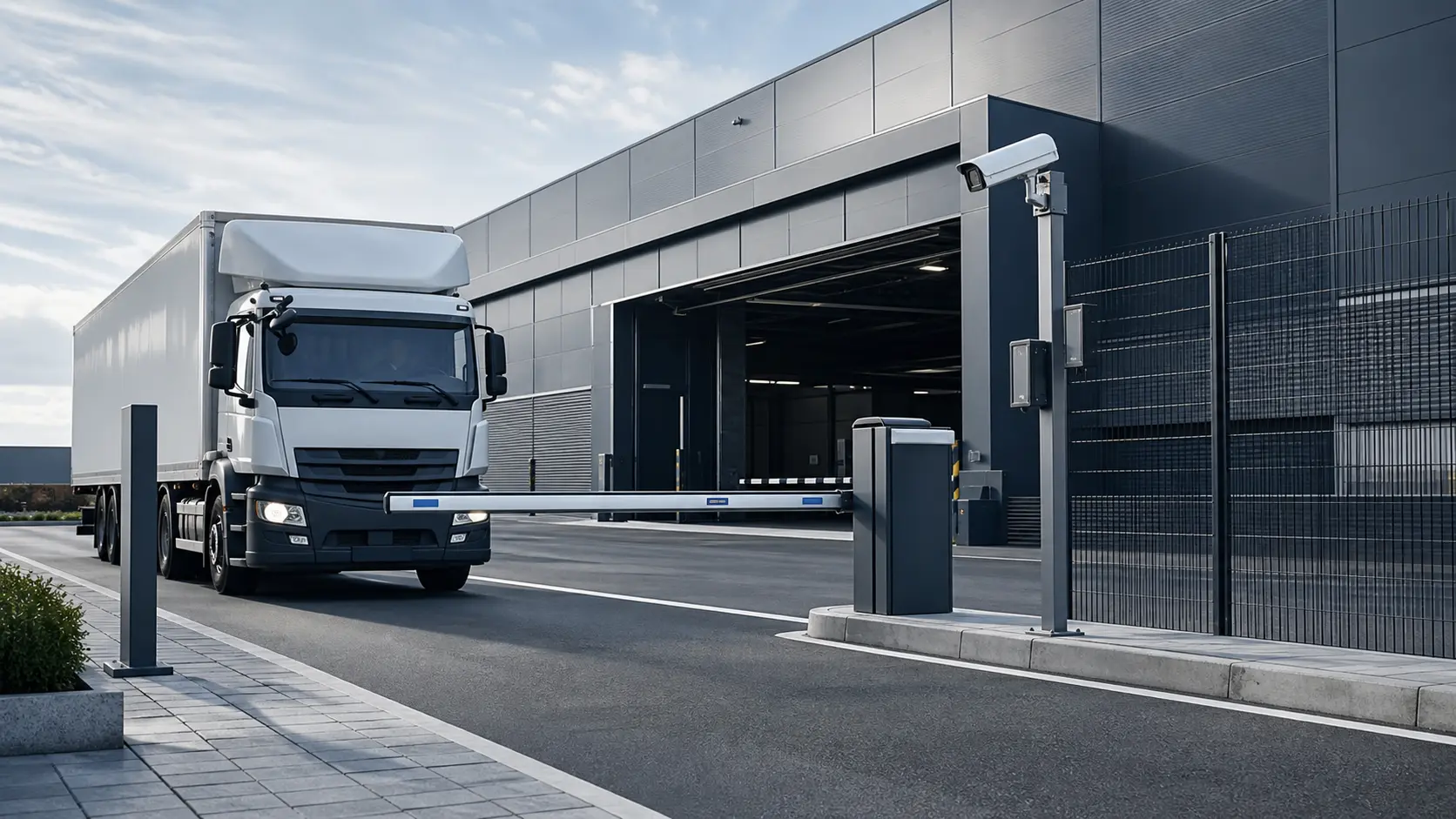
Control entry for employees, contractors, suppliers, and freight vehicles.
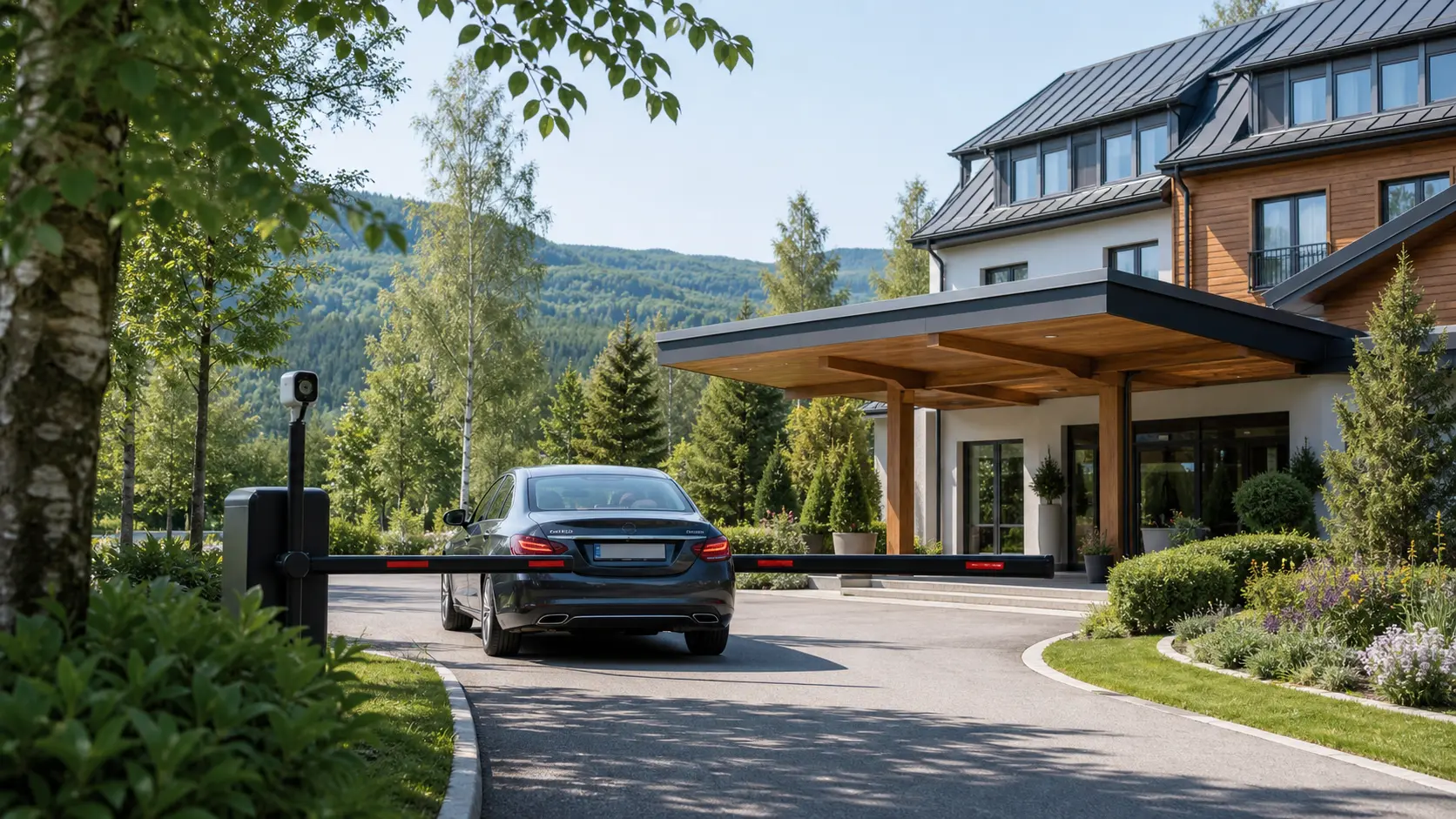
Automatic guest access for the duration of their stay.
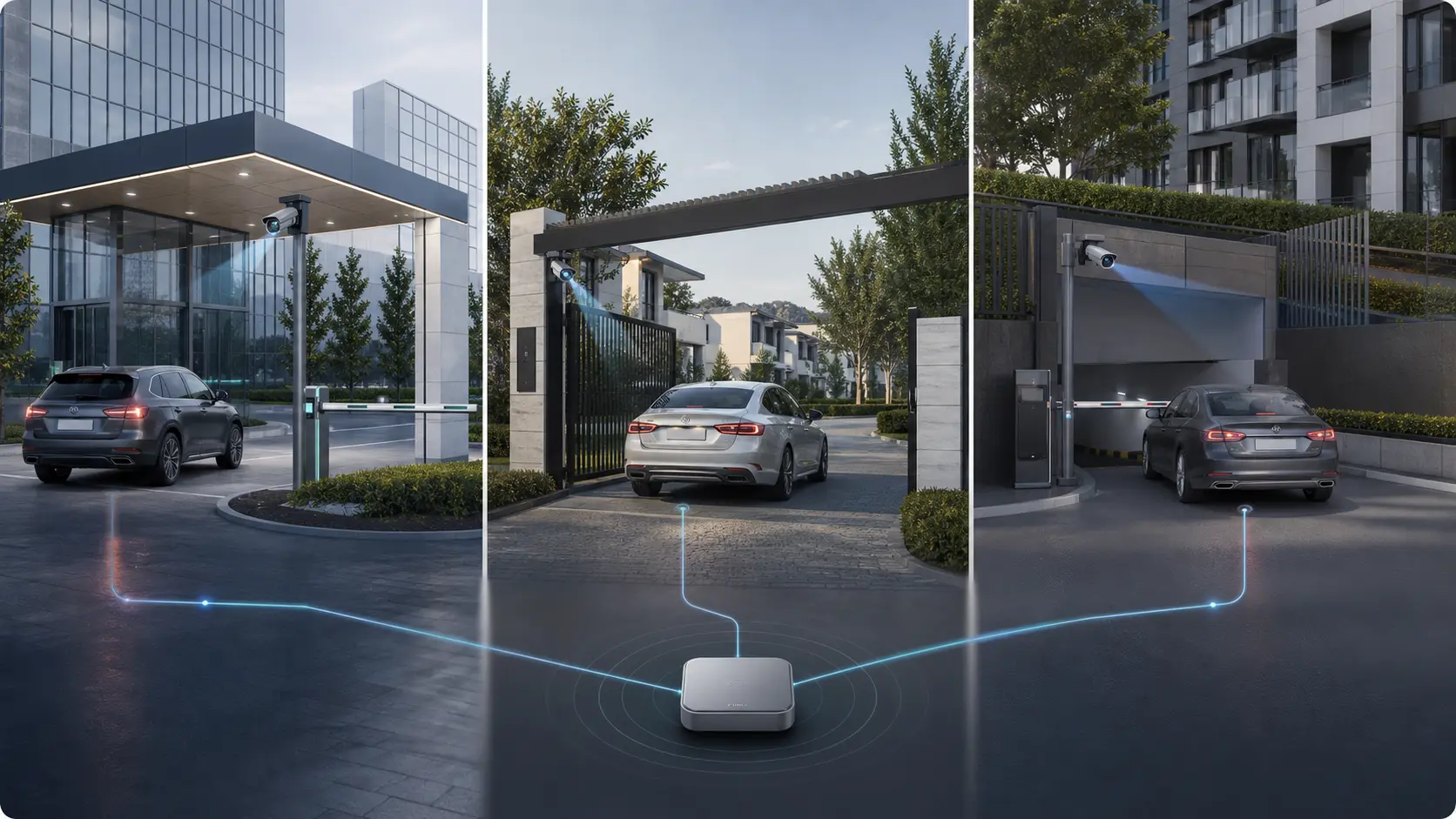
Centralized entry management across multiple sites.
Technical details
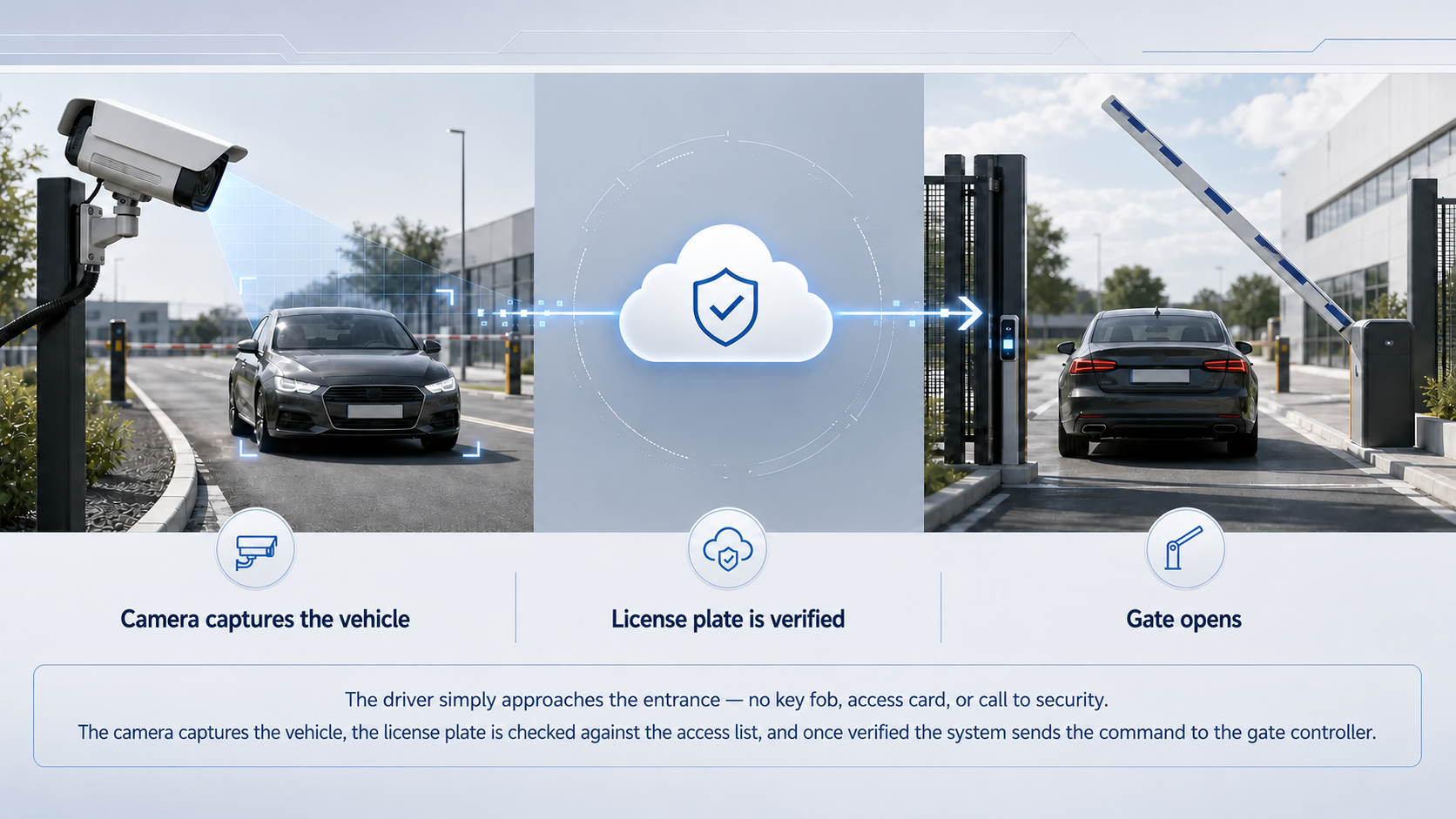
This is a complete access-control workflow rather than a standalone camera feature. Video acquisition, recognition, access rules, gate control, event storage, and external integrations work as one system.
The video stream is received from an IP camera over RTSP using H.264 or H.265. Camera discovery and connection use the ONVIF standard.
The detector first finds a vehicle and the license-plate region. Recognition runs only when relevant content is present, so processing capacity is not wasted on empty frames.
A plate is confirmed across several consecutive frames. This suppresses false matches and prevents repeated opening commands during a single vehicle pass.
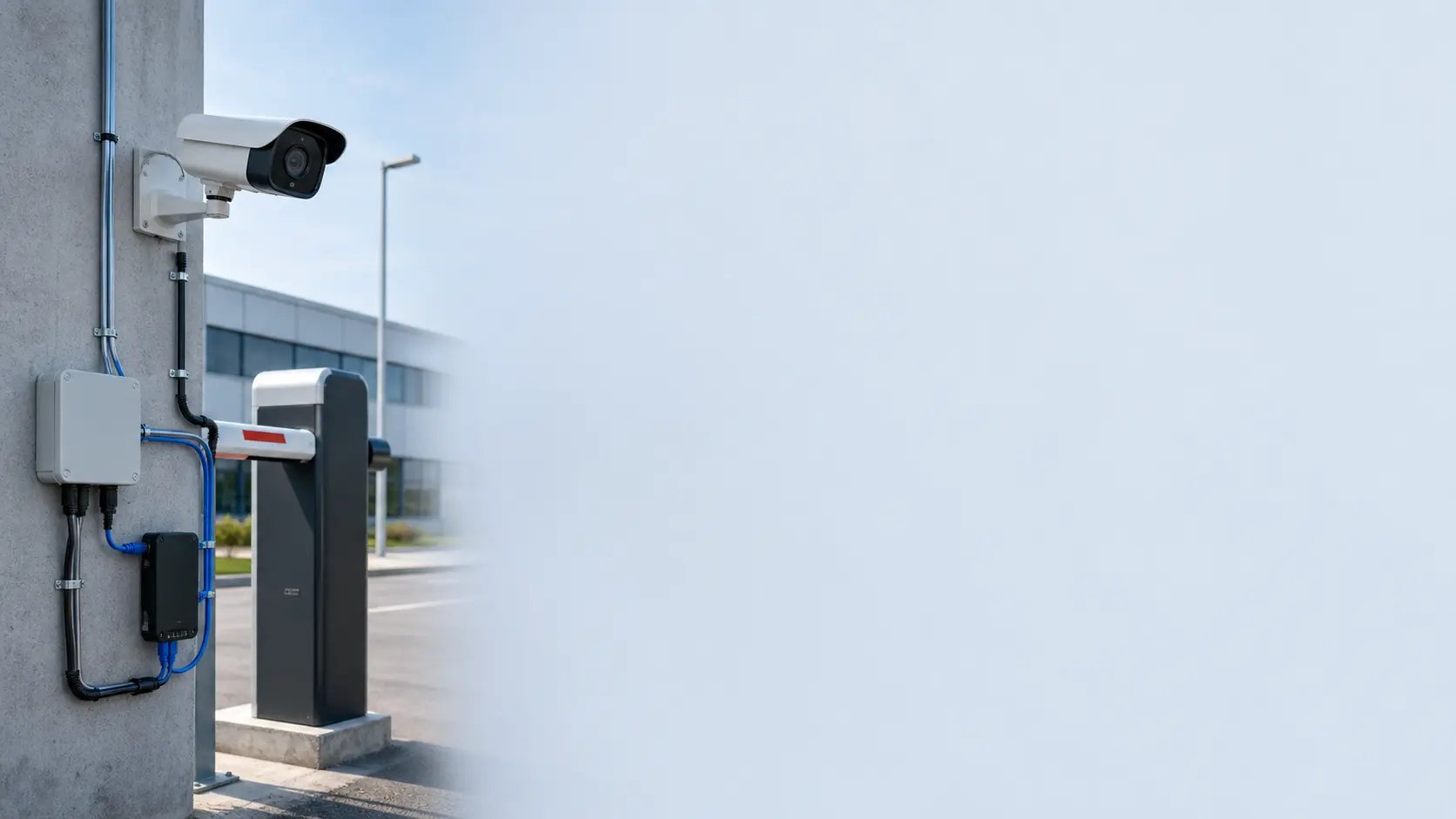
The gate opens through a dry-contact output connected to the drive controller’s standard control input. Existing automation does not need to be replaced.
Commands are delivered to the controller over MQTT. At startup, the device reports its model, firmware version, inputs, and outputs to the platform, reducing manual configuration when entrances are added.
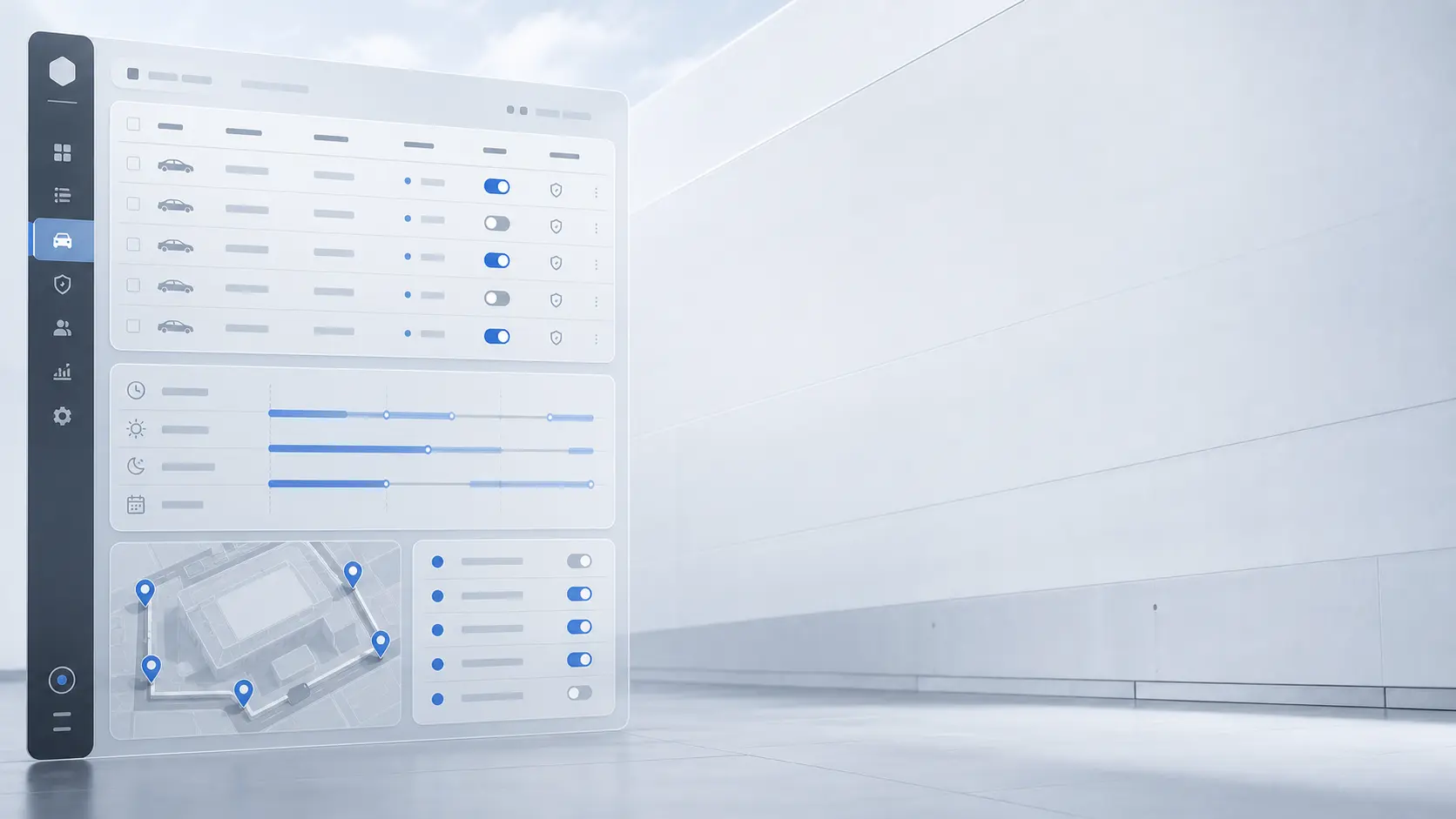
An access rule links vehicle plate + site + entrance + validity interval. One vehicle can hold several rules, such as permanent parking access and temporary loading-zone access.
Only after every check succeeds does the platform send an opening command.
Administrator permissions are separated by role: log viewing, temporary-pass issuance, permanent-list management, and administration of sites and users.
Administrative actions are audited. The history shows who issued or revoked a permission and when. Vehicle lists can be maintained manually, imported from a file, or synchronized through the REST API.
Users, sites, entrances, and access rules are stored in a relational database. Entry events and site-load metrics are stored in an analytical database for reporting across arbitrary time periods.
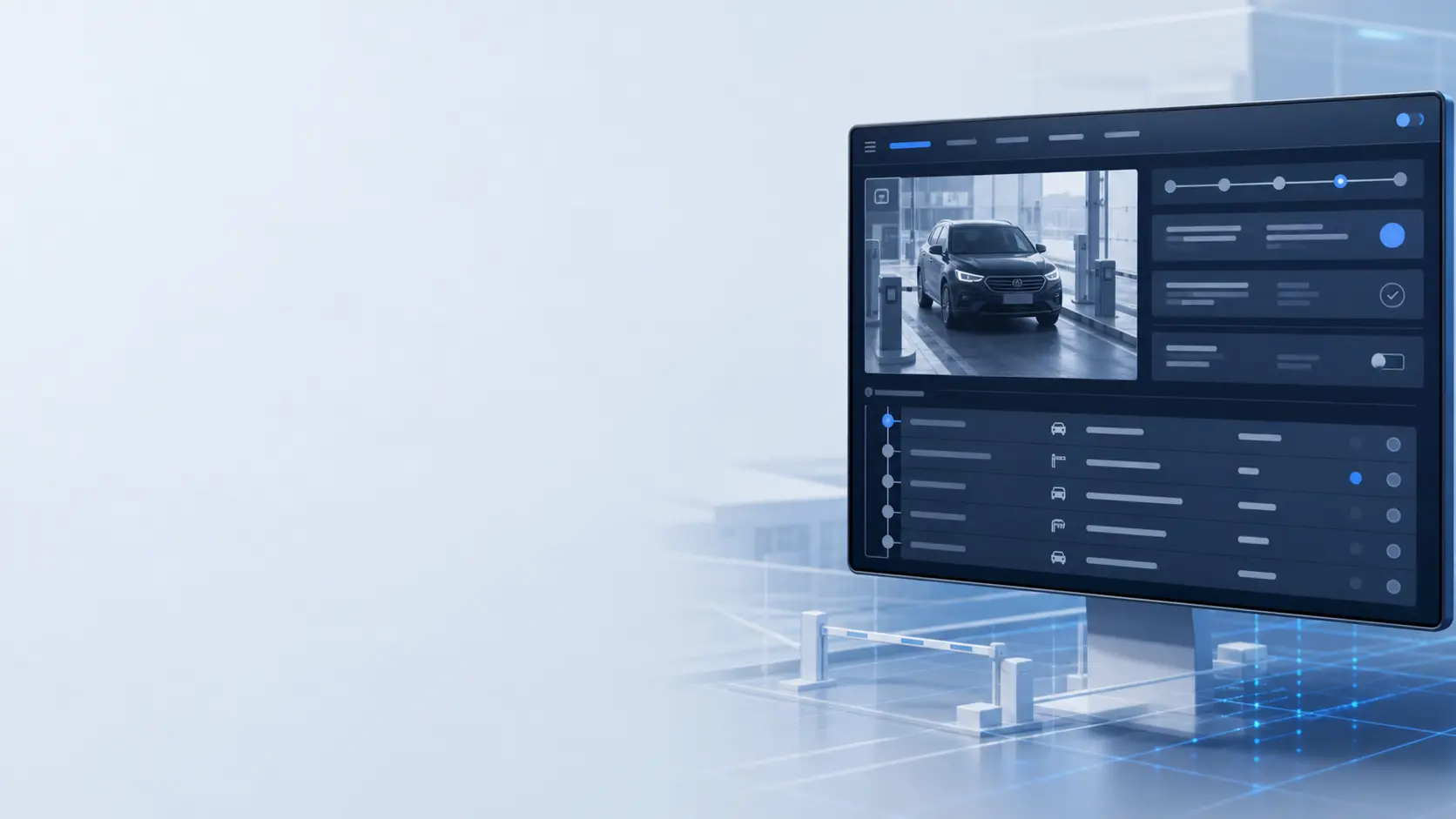
Each event includes a vehicle frame and recognized plate. The log can be filtered by site, entrance, plate, date range, and verification result, then exported for reporting.
System architecture
The platform is the decision point between the physical entrance and systems that already manage customers, bookings, subscriptions, or employees.
External systems
Vehicle access does not have to become another isolated system. GatePermit.pro exchanges permissions and events with the software already used by the site.
Manage vehicle lists and access rules, issue or revoke permissions, and retrieve entry history.
Deliver entry events to external systems as soon as they occur.
Load large vehicle lists in one operation and export reports for accounting or investigation.
CRM and accounting systems, parking billing and subscriptions, hotel booking systems, existing access-control and video-surveillance platforms, security and dispatch services.
Reliability and security
Platform communication uses protected channels. Every controller connects with its own credentials inside its organization’s topic namespace, isolating entrances belonging to different customers.
If the cloud connection is interrupted, events are buffered on the device and uploaded after connectivity returns, so the entry history is preserved.
Operators can open the entrance from the web dashboard or mobile application. Existing on-site opening methods continue to work in parallel with automatic plate access.